Cubilux
USB C to Coaxial SPDIF Audio Cable for PC MacBook and PS5, 2m
USB C to Coaxial SPDIF Audio Cable for PC MacBook and PS5, 2m
Regular price
$29.99
Regular price
Sale price
$29.99
Unit price
per
HIGHLIGHT
- [High-Fidelity Digital Audio Transmission] – Cubilux USB to TOSLINK Optical Cable delivers pure and lossless digital sound at 192/96/48/44.1 KHz 24/16 bit, ensuring crisp highs, detailed mids, and rich bass for an immersive listening experience.
- [For Computer, PS5 ONLY] – This optical transmitter works exclusively with computers (supporting stereo and 5.1 surround) and PS5 (supporting stereo only). It does NOT work with TV, Xbox, Switch, projector, or any other non-computer USB devices.
- [Stable, Low-Latency & Noise-Free Connection] – The optical fiber design ensures ultra-stable and low-latency digital audio transmission, eliminating electrical interference and ground loop noise. Enjoy a clean, distortion-free, and hum-free sound experience — ideal for audiophiles, gamers, and home theater setups.
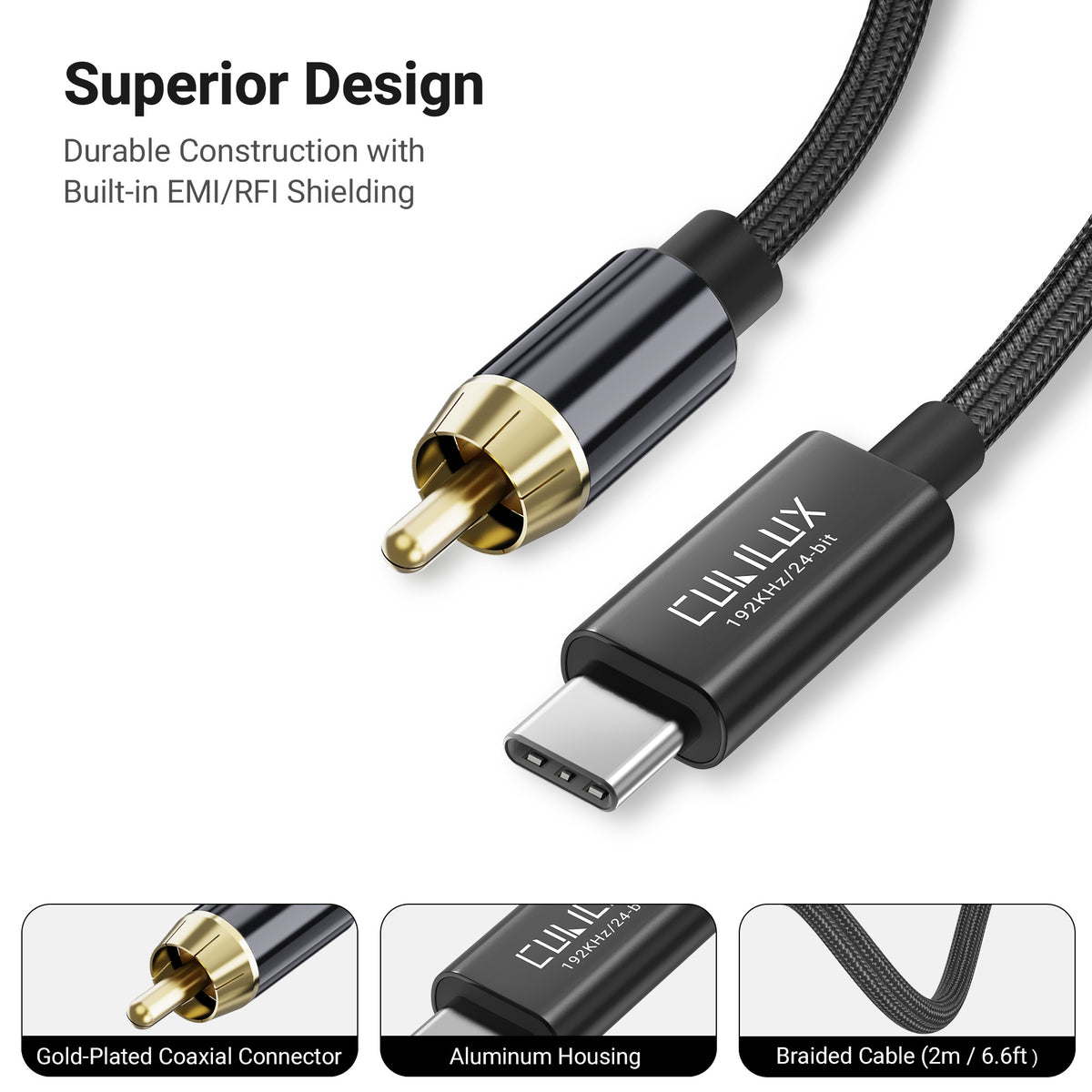
- [Premium Aluminum Alloy & Braided Cable] – The robust aluminum housing and durable nylon-braided jacket offer superior shielding against EMI/RFI and enhance long-term reliability while maintaining a sleek and professional look.
- [Plug & Play Convenience] – No driver required. Simply plug the cable into your computer or PS5’s USB Type C port and connect the TOSLINK end to your DAC, amplifier, AV receiver, or speaker system to enjoy high-resolution digital audio instantly.

Quality in Every Detail

Gold Plated Coaxial Connector
Provides secure contact for stable digital signal transmission.

192 kHz / 24 Bit
Delivers clear, detailed digital sound for music, movies and games.

Durable Braided Cable
The tough nylon jacket provides lasting flexibility and durability.

Aluminum Housing
Protects the internal electronics and gives the cable a premium look.
Set Up 5.1 Surround Sound on PC
Step 1
Prepare a movie or music file with 5.1 Surround Sound.

Step 2
Connect USB C to your PC and the coaxial plug to the COAXIAL IN of a 5.1 receiver.

Step 3
Select “USB to SPDIF Coaxial Adapter” as the default audio output on your PC.

Step 4
Make sure your PC sample rate matches a supported sample rate on your receiver.

Step 5
Use a media player that supports 5.1 Surround Sound for an immersive audio experience.


Digital Audio for Every Moment
Desktop Gaming
 5.1 Home Theater
 Music
Music